| |
If customers OS is Windows 7 (64 bit)/ Windows 8.1 (64 bit)/ Windows 10 (64 bit), after install it will only available with USB version SW, the parallel port software of LabTool-48UXP is not available. |
| |
This driver is free for LabTool-48UXP shipped after Jan 1st 2009, but it provides two year free update service after the shipment date. |
| |
After two year later, customers have to order an S/W update service to get a new license for software update service in next 2 years. |
| |
Customers who own LabTool-48XP/UXP shipped before year 2009, if customer want to run LabTool-48UXP under Vista (32 bit) or Windows 7 (32/64 bit) or above, customer has to order this software update service. |
| |
|
LT48XP/UXP 2 year updated service price: USD210
|
|
|
Order, installation procedure and notice : |
| |
1. |
|
| |
2. |
Place the LabTool-48UXP 2 years updated service order. The customer can make the payment by credit card/Paypal/remittance.
|
| |
3. |
We will issue a temporary S/W link path to customer by email. Customer has to download the SW license within 7 days. |
| |
4. |
Each SW license gets two years update service from our web. |
| |
5. |
Two years later, customer needs to order the next two years SW update service with same procedure if SW updated is needed. |
| |
6. |
S/W 8.32.03 is the last freeware for LabTool-48UXP which support Windows 98/2000/XP. |
|
|
If customers OS is Windows 7 (64 bit), after install it will only available with USB version SW, the parallel port software of LabTool-48UXP is not available. Please purchase hardware upgrade-kit to upgrade the programmer. |
Step by step : |
| 1. |
Download and install the latest SW from AEC's website : www.aec.com.tw (SW version 8.32.03 and above) |
| 2. |
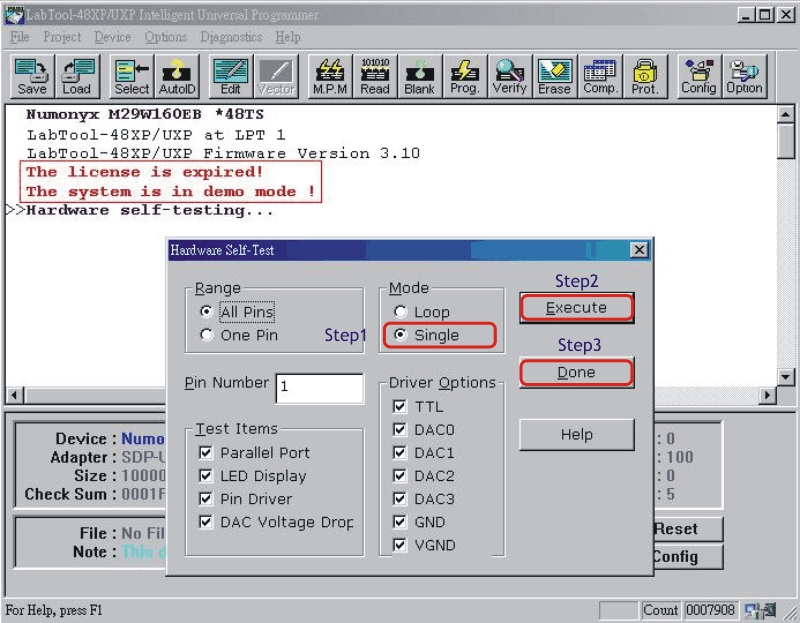
Run the self test function in Demo mode. |
|
|
3. |
You can find the self test report file at
( Windows 2000/XP)
C:\Documents and Settings\login user\My Documents\Advantech Equipment Corp\LabTool-48XP_UXP\AExxxxxxxxxx.rep
( Windows Vista/7/8/10 )
C:\Users\login user\Documents\Advantech Equipment Corp\LabTool-48XP_UXP\AExxxxxxxxxx.rep
|
4. |
|
5. |
If you have order the SW update license, we will send you a file AEC (*rar) which will allow your unit with this S/N to run the new SW down load from our web. |
6. |
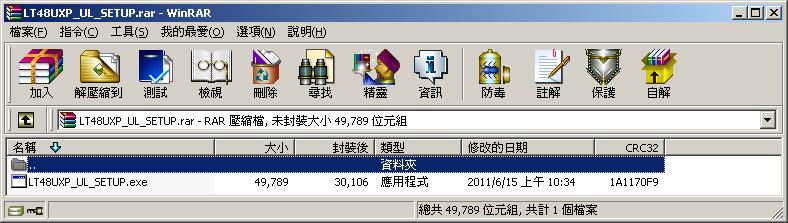
Double-click the *.rar to expand the file. |
|
|
7. |
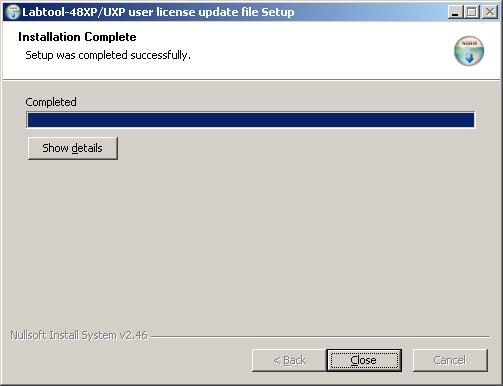
Run LT48UXP_UL_SETUP.exe |
|
|
8. |
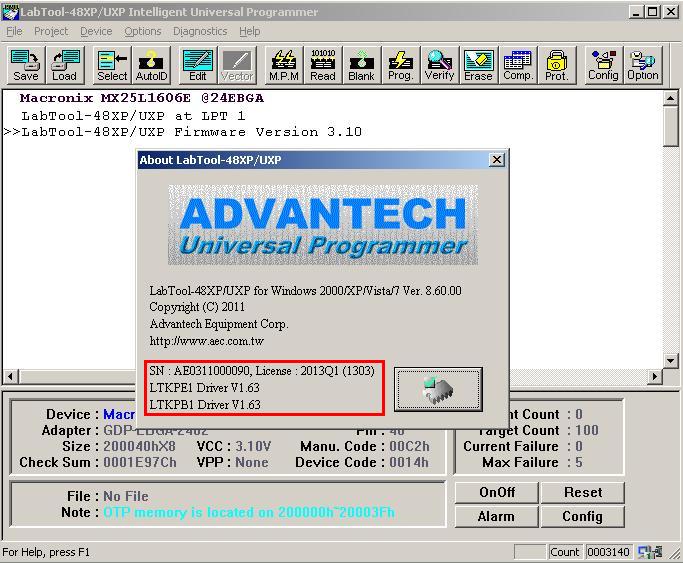
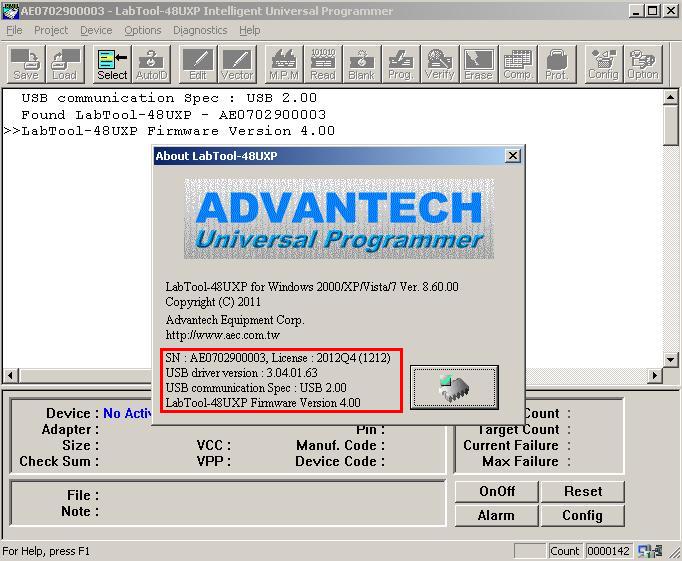
After installing, please click " About " under " Help "to check the valid date or run self test again, send us the self test report file for double check. |
|
Parallel port |
|
|
|
USB port |
|
|